AI · Sketch-to-CodeLivePakistan
CodeCanvas
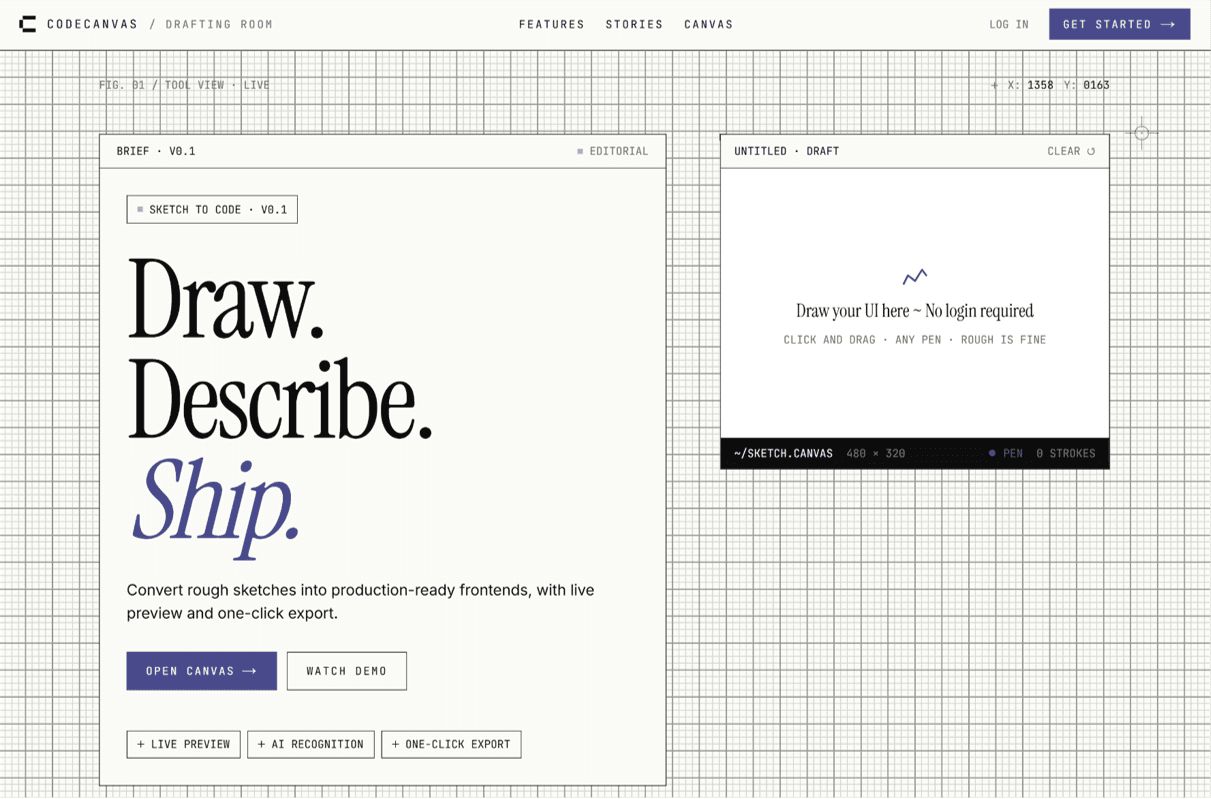
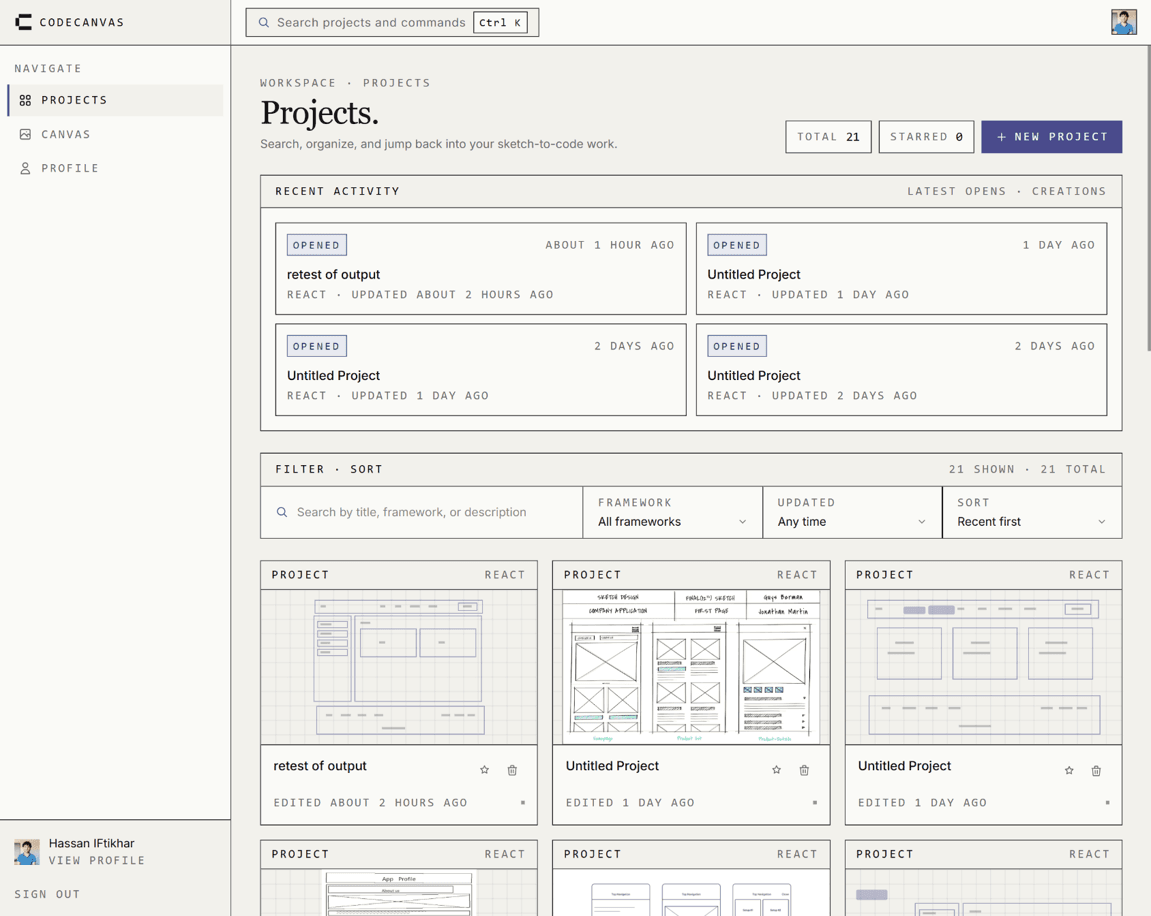
Turning a hand-drawn UI wireframe into working front-end code is slow and manual. CodeCanvas converts a sketch into production-ready React + Tailwind through a detection-to-generation pipeline.
- Role
- Team Lead · Final Year Project
- Timeframe
- 2026
Stack
Next.js 14TypeScriptKonva.jsFastAPIPythonYOLOv11Gemini 2.5 ProSupabase
Architecture
Konva canvashand-drawn sketch
FastAPI /predictYOLOv11 detection
Gemini 2.5 Procode synthesis
React + Tailwindgenerated UI
Chat refinement feeds back into synthesis without re-running detection.
Key decisions
Chose
A two-stage pipeline: YOLOv11 detects and bounds UI elements first, then Gemini generates code from those structured detections.
Rejected
Feeding the raw sketch image straight into a vision LLM and asking it to output code in one shot.
Why
Detection produces deterministic element types and coordinates, so the model synthesizes from a structured layout instead of guessing pixels. The detector can be retrained independently of the generator, and a bad box is debuggable in a way a hallucinated layout is not.
Try it
Interactive demo
Sketch
heading
text
input
button
image
Generated React + Tailwind
export default function Generated() {
  return (
    <div className="flex flex-col gap-4 p-6">
      <h2 className="text-2xl font-semibold">Heading</h2>
      <p className="text-sm text-gray-500">Body copy goes here.</p>
      <input className="rounded-lg border px-3 py-2" />
      <button className="rounded-lg bg-black px-4 py-2 text-white">Action</button>
      <img className="rounded-lg" alt="" />
    </div>
  );
}
Screens